Account access guide

Paddy Power Login Guide

Logging in to Paddy Power is simple if you start from the right place. Use the official website or an official app, and never a link from a stranger. This guide covers how to log in on desktop and mobile in the UK, how account recovery and verification work, and what to do when something goes wrong.

We are an independent site, not Paddy Power, and we may earn commission. See our affiliate disclosure.

Sources: Paddy Power Help Centre, UKGC register

Official Site
Smartphone used to log in to a Paddy Power account – login guide UK
UK licensee
PPB Entertainment Limited
UKGC licence no.
039426-R-319332-024
Our rule
We never ask for passwords or codes

Safety first

We never ask for your login details, passwords or one-time codes

This site has no login form and never will. Enter your details only on the official Paddy Power website or in an official app.

If a page, message or caller asks for your password or a verification code, stop. Look-alike sites that push Android APK downloads also turn up in search results. Do not use them.

Safe download advice

Where to log in

Paddy Power log in on desktop, mobile and app

Paddy Power — Paddy Power 1

Desktop

Logging in on a laptop or desktop browser

Type the address of the official Paddy Power website yourself, or use a bookmark you saved earlier. Search results are not a safe shortcut. Several look-alike domains rank for brand searches and copy the green branding closely.

On the genuine site, the log-in button sits in the header. Enter your username and password there and nowhere else. Before you type anything, check that the browser shows a padlock and that the address is spelled exactly right.

That is how you find the real paddypower login page UK punters should use. Start from a source you control, not from an advert or a forwarded link.

Look-alike domains appear in search results. Bookmark the genuine site and always start from there.

Full Paddy Power review
Logging in on a mobile phone – Paddy Power login guide

Mobile

Logging in on a phone: mobile web or an official app

A phone gives you two routes. The mobile browser works like the desktop site: open the official address, tap log in and enter your details. You need no download, and it is the quickest fix if an app misbehaves.

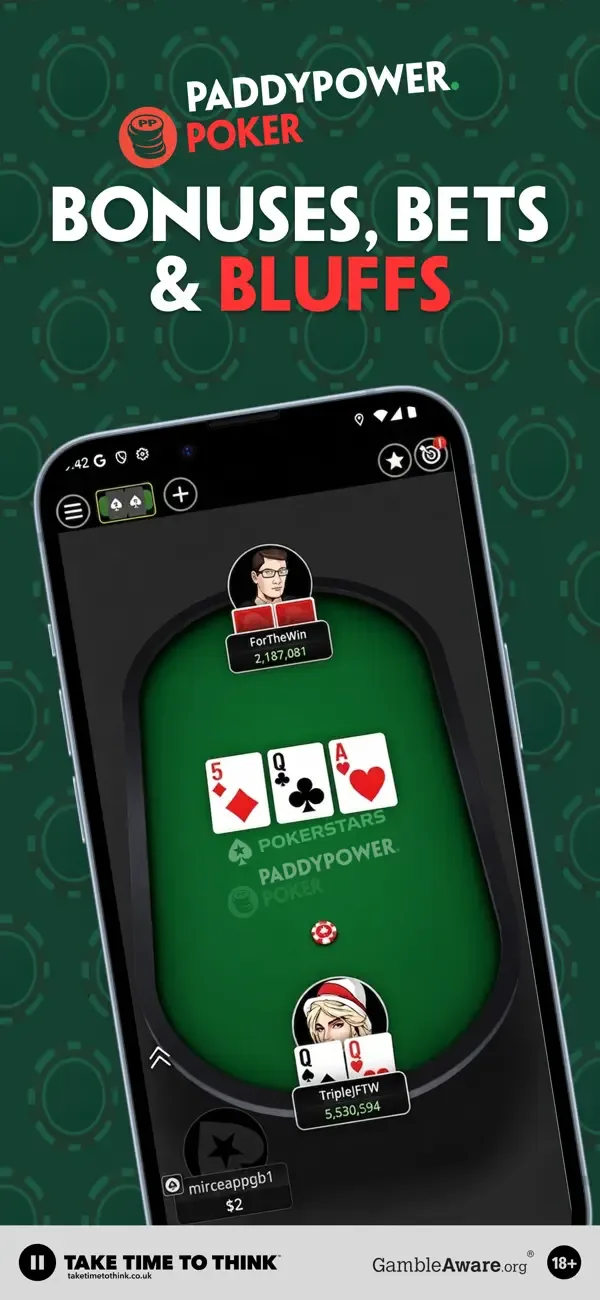
The second route is an official app. Paddy Power publishes separate product apps. We confirmed Poker, Games, Live Casino and the Onside shop app on the Irish storefront of the Apple App Store. We have not yet verified the UK Google Play and App Store listings for the main Sports app. Check the developer name on the store listing before you install.

Android users should never sideload an APK from an unofficial page. Our app guide covers official downloads, installation and updates.

Separate product apps (Poker, Games, Live Casino, Onside) confirmed on Apple's Irish storefront. UK listings unverified.

App guide
Password recovery concept – Paddy Power account recovery

Recovery

Forgotten your username or password? How recovery works

Start recovery from the official log-in screen and follow the steps it gives. Any reset message should come to the email address or phone number registered to your account. It should never come through social media or a stranger's chat.

A few rules worth keeping:

  • Reset only from the genuine site or app, never from a link you did not request.
  • Pick a new password you have not used at another bookmaker.
  • If the reset email never arrives, check your spam folder, then contact official support through the Help Centre.
  • If someone else may have accessed the account, contact support straight away.

We cannot reset anything for you. We will never ask for your details to "help".

This site cannot reset accounts. Recovery happens only through Paddy Power's own log-in screen and Help Centre.

Support and complaints
Account security and ID verification – Paddy Power login guide

Verification

Why verification matters before your first withdrawal

UK-licensed operators must check who you are and where you live. Paddy Power's help centre lists an unverified new account as one reason you may be unable to withdraw. The Withdraw button shows green when a withdrawal is available and grey when it is not.

If documents are requested, upload them inside your account on the official site or app. Do not email copies of your passport or bank statements in reply to an unexpected message.

The closed loop policy is the other common blocker. Withdrawals must follow the method you deposited with. For example, Apple Pay withdrawals only go to a card previously used to deposit via Apple Pay on that account. If a method does not accept withdrawals, such as Paysafe Card, the official alternative is Bank Transfer under 'Other Methods'.

Withdraw button: green when available, grey when not. An unverified new account is one stated reason.

Bonus terms and withdrawals

Step by step

How to log in to Paddy Power safely

  1. Start from a trusted address

    Type the official address or open your own bookmark. Skip ads, texts and social links that claim to take you to the login page.

  2. Check the address bar

    Confirm the spelling and the padlock. Look-alike domains add extra letters, hyphens or years to the brand name.

  3. Use only the official form

    Type your username and password only into the genuine Paddy Power log-in form, on the website or in an official app.

  4. Treat codes as private

    If you receive a one-time code, enter it only on the official screen. No genuine helper needs to hear it.

  5. Log out on shared devices

    Always log out on a shared phone or computer, and do not let the browser save your password there.

Log In

Logging in is free. If a strange page asks for payment or an app download, close it.

Troubleshooting

Paddy Power login UK: common problems and what to do

General guidance. Only the Withdraw-button, closed-loop and poker-wallet rows come from Paddy Power's help centre. For account-specific issues, contact official support.

SituationLikely causeWhat to do
Password not acceptedA typo, caps lock or an old passwordRetype carefully, then use recovery on the official log-in screen
Reset email not arrivingSpam filter or an old email address on fileCheck spam and junk folders; if still missing, contact official support
Login page looks odd or offers an APKPossible look-alike siteClose it, open the official site from your bookmark and use only official app stores
Asked for a code by phone, text or chatLikely a scam attemptDo not share it; contact official support through the Help Centre
Withdraw button is greyUnverified new account or the closed loop policyComplete verification in your account and check which method you deposited with
Poker balance missing from main walletPoker uses a separate walletTransfer funds to the main wallet in the browser before withdrawing
Account seems restrictedVerification, a security check or a break you setContact official support; if you chose a break, let it run its course
Cannot find the games or bingo loginUnclear product navigationLog in on the main site, then open the product from its menu

Is there a separate Paddy Power games login or bingo login?

Punters who search for a Paddy Power games login or a Paddy Power bingo login usually want to know one thing: do they need a second username? Here is what we could confirm and what we could not.

Confirmed: Paddy Power runs distinct product areas: sportsbook, games, bingo, poker and live casino. Poker at least keeps its own wallet. The help centre says you must move poker funds to the main wallet via 'transfer' in the browser before you can withdraw them. Separate product apps for Poker, Games and Live Casino also appear on Apple's Irish storefront.

Not yet confirmed on an official page: whether games and bingo always use the same login as the sportsbook. Until we verify it, the safe approach is to log in on the official site and open Games or Bingo from its own menu. Do not hunt for a standalone login page. Our games and bingo guide explains what each section offers.

What happens after a Paddy Power login to My Account?

The account area is where the practical jobs happen: deposits, withdrawals, verification uploads, transaction history and safer-gambling tools.

The help centre names Pay by Bank as the quickest way to deposit and withdraw. Apple Pay and debit cards also sit on the Popular tab, and e-wallets such as PayPal sit under 'Other Methods'. Paddy Power says it does not charge fees. Allow 5 working days for a withdrawal to reach your bank before you contact support. Several withdrawals may not arrive in the order you requested them.

If you also bet in a shop, look at the Play Card. Older help pages call it a Cash Card. You scan it on a betting machine in UK and Irish shops, and it can withdraw cash via a printed ticket that you collect at the counter. The daily 24-hour cash limits are £2,500 for deposits and £1,000 for withdrawals. Any shop will replace a lost card free.

Three habits that keep an account safer

  1. Use a unique password, ideally stored in a password manager.
  2. Never forward verification codes, account screenshots or ID scans outside official channels.
  3. Set deposit limits or take a break if betting stops being fun. Our safer gambling page lists UK help.

Free-bet and promo questions belong in the bonus guide. For the full picture of the bookmaker, read our Paddy Power review.


Casino games scene – Paddy Power games and bingo guide UK
Starting from the genuine site matters more than any shortcut.

More guides

Where to go next

  • Review

    Paddy Power UK review

    Sportsbook and racing, retail versus online, withdrawals, official support and how complaints are escalated.

    Read review
  • App

    Paddy Power app guide

    Official downloads, installation, updates and the mobile web option, with no APK sideloading.

    Read app guide
  • Games

    Games and bingo guide

    Confirmed game categories, bingo formats and rules, and how to reach each product area.

    Read games guide
  • Bonus

    Bonus and promo code guide

    Eligibility, qualifying bets, minimum odds and expiry, published only against official UK terms.

    Read bonus guide

FAQ

Paddy Power login questions

Short answers to the account questions punters ask most. For account-specific problems, only Paddy Power's official support can help.

Support and complaints in our review
Where is the official Paddy Power login page in the UK?

It is on the official Paddy Power website and inside its official apps. Type the address yourself or use a saved bookmark. Avoid sponsored links and any domain with extra hyphens, letters or years in the brand name.

Can this site log me in or recover my account?

No. We are an independent guide with no access to Paddy Power accounts. We never ask for usernames, passwords or one-time codes. Treat anyone who offers to log in on your behalf as a scammer.

What can I do in My Account after a Paddy Power login?

My Account is where deposits, withdrawals, verification uploads, transaction history and safer gambling tools live. Pay by Bank, Apple Pay and debit cards sit on the Popular cashier tab, and Paddy Power says it charges no payment fees.

How do I contact Paddy Power about a login problem?

Use the official Help Centre, reached from the genuine site or app. We have not verified support phone numbers or social handles, so we do not list them. Ignore any 'support agent' who contacts you first.

Do I need the app to log in?

No. The mobile browser version works without a download. If you prefer an app, see the app guide for official sources and installation.

Official access

Log in only where it is genuine

Go to the official Paddy Power site from here, then bookmark it so your next log-in starts from a source you trust.

Visit Site

18+. Gamble responsibly. We never collect login details or one-time codes.